

LaunchCodes
Claude Code is powerful. Managing it shouldn't be a nightmare. LaunchCodes is the encrypted project, session, and credential manager that makes Claude Code actually manageable.
Everything You Need in One Place
Stop juggling terminal flags, session files, and scattered credentials.
Project Management
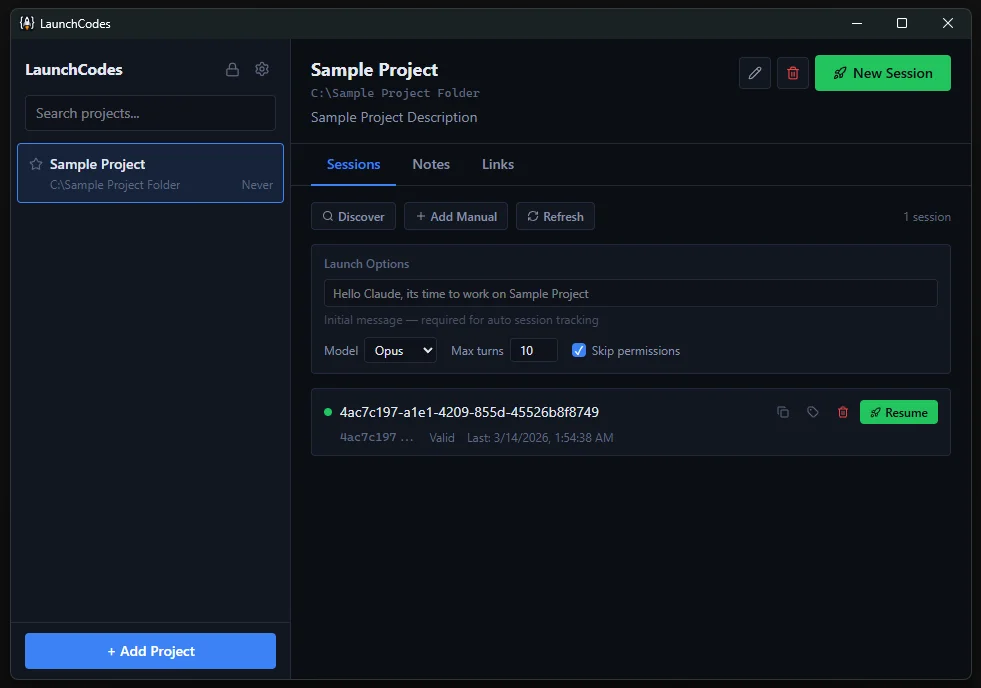
Register any Claude Code project folder and access it instantly. Star favorites, search, sort, and switch between projects in seconds.
Smart Launch
Start new Claude Code sessions with custom configurations. Set your model, max turns, initial prompt, and permissions — all before launch.
Session Tracking
Automatically detect and track sessions. Resume previous conversations, monitor session health, and never lose context again.
Secure Credential Vault
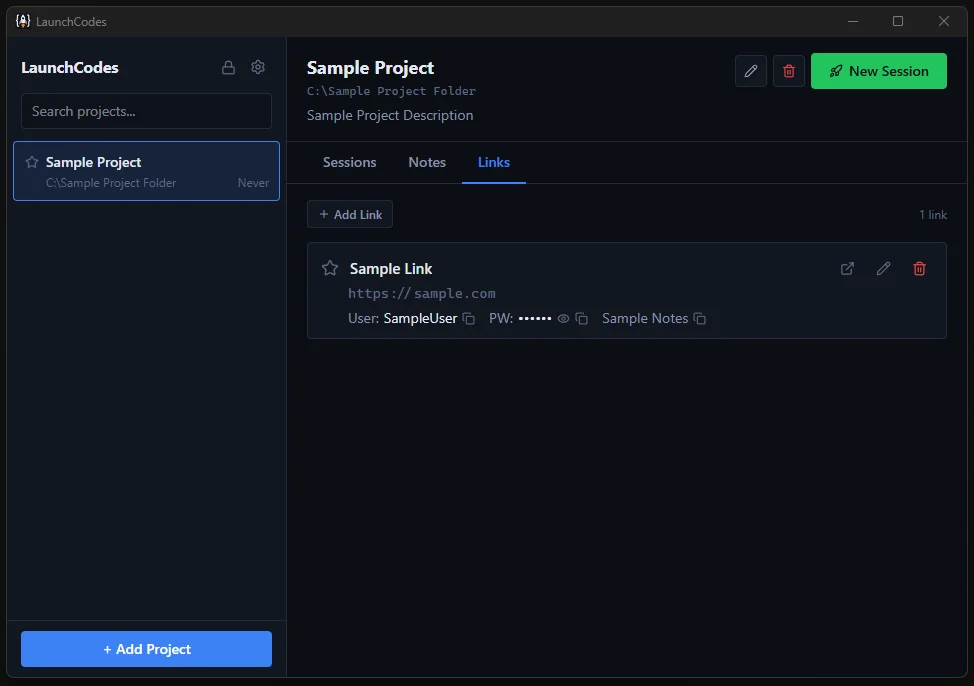
Store bookmarks, usernames, and passwords alongside each project. Masked by default with reveal and copy controls. Encrypted at rest.
Project Notes
Each project has its own scratchpad. Jot down context, reminders, or instructions for your next session. Notes auto-save as you type.
AES-256 Encryption
PIN-based locking with AES-256-GCM and Argon2 key derivation. Auto-lock on idle. Your data stays protected and never leaves your machine.
See It in Action
A clean, focused interface built for developers who use Claude Code every day.
Sessions & Launch 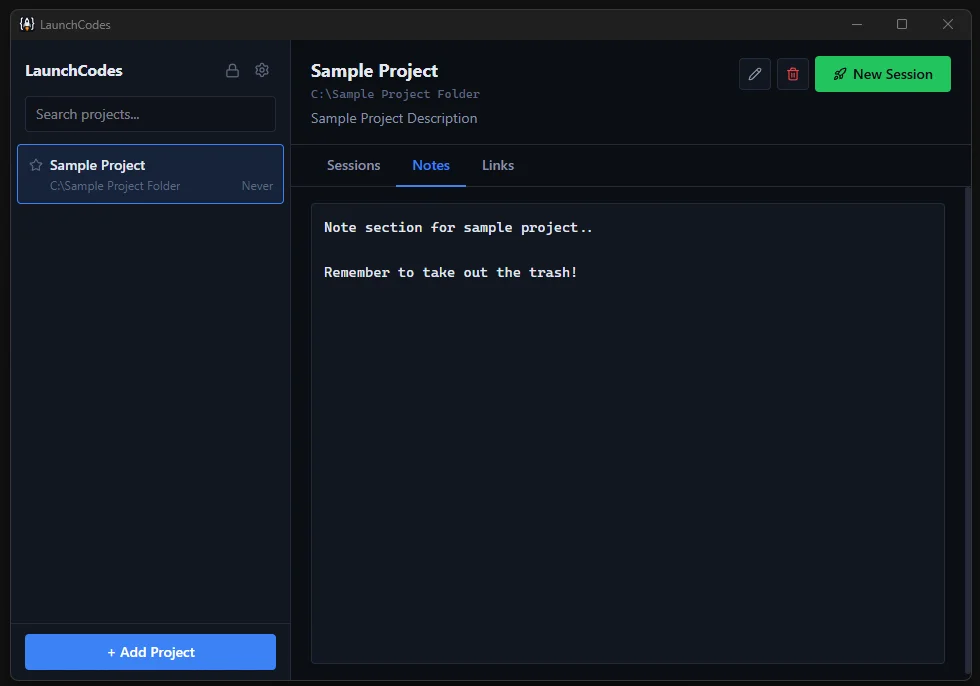 Project Notes
  Credential Vault
 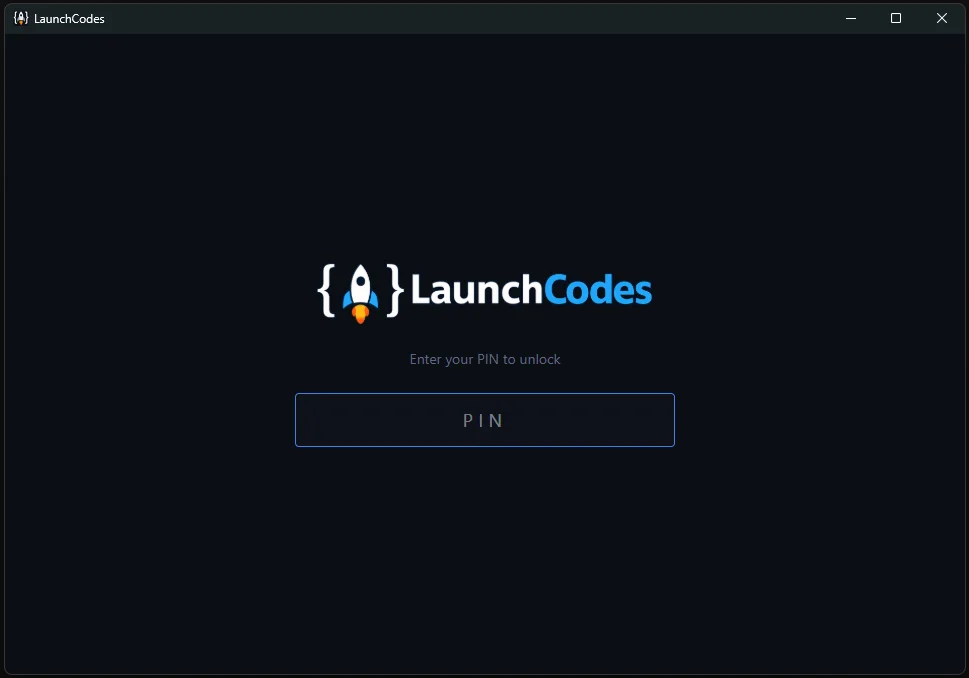 PIN Lock
 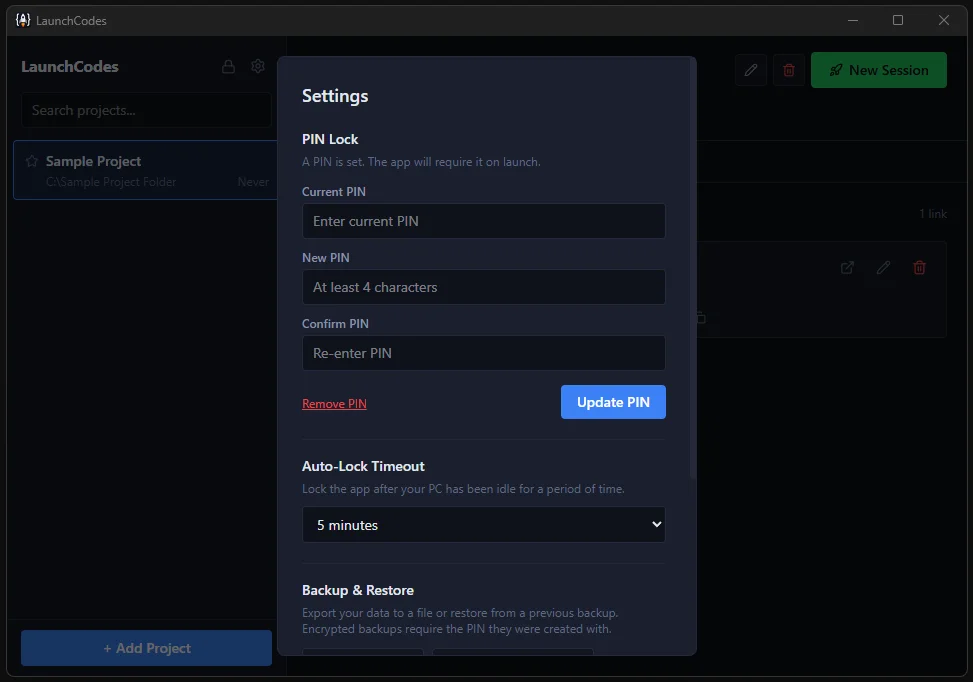 Settings
 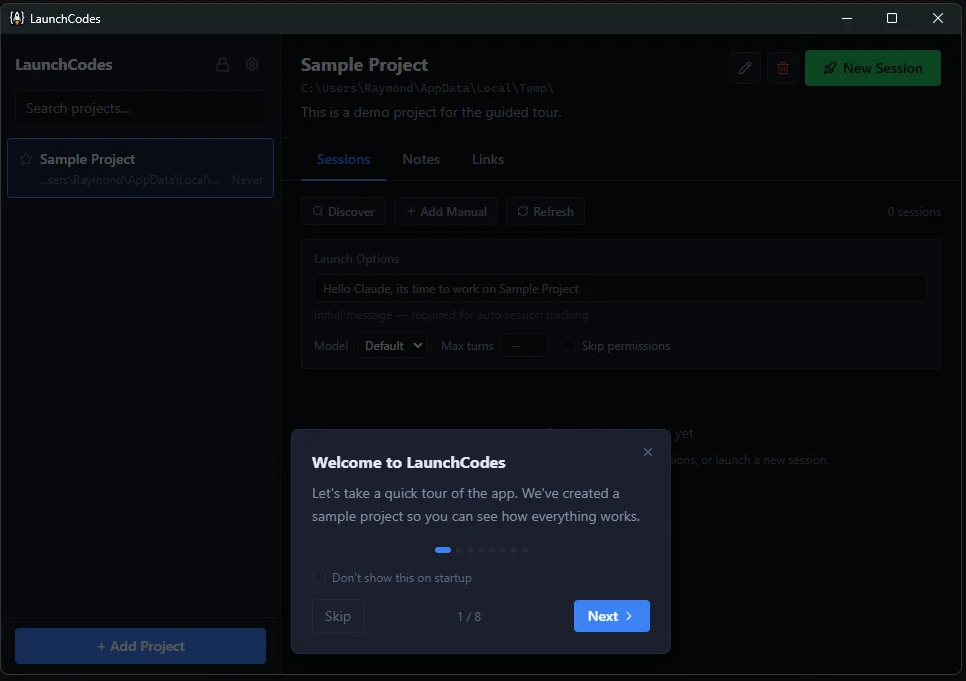 Guided Tour
 Up and Running in Under a Minute
Four steps from install to launch.
Set Your PIN
Lock it down from the start. Your PIN encrypts all project data, credentials, and notes with AES-256-GCM.
Add Your Project
Point LaunchCodes at any folder where you use Claude Code. Add a description, star it as a favorite, and you're set.
Configure & Launch
Choose your model — Opus, Sonnet, or Haiku. Set max turns, write an initial prompt, toggle permissions. Hit launch.
Track & Resume
Sessions are tracked automatically. Resume any previous session with one click. Store credentials and notes alongside each project.
Encrypted Start to Finish
Your passwords, API keys, and session context deserve real protection — not a plaintext JSON file.
Built for Performance
Modern stack, native speed, tiny footprint.
Frequently Asked Questions
Everything you need to know about LaunchCodes.
Does LaunchCodes require an internet connection?
No. Everything runs locally on your machine. No cloud, no accounts.
Where is my data stored?
%APPDATA%\LaunchCodes\data.json — it persists across app updates and reinstalls.
What happens if I forget my PIN?
Your data is encrypted with your PIN. Without it, the data cannot be decrypted. Keep a backup of your PIN in a safe place.
Can I use LaunchCodes without a PIN?
Yes. The PIN and encryption are optional. Without a PIN, data is stored as plain JSON.
Does LaunchCodes modify my project files?
No. It only reads the .claude/ directory to discover sessions. It never writes to your project folders.
Is it free?
Yes. LaunchCodes is free to use and open source under the GPL v3 license. If you find it useful, you can support development via donations.
Download LaunchCodes
Stop wrestling with the terminal. Start launching.
Download v1.3 for Windows Requirements: Windows 10 or later (64-bit)
No admin rights required — installs to user profile
Claude Code CLI must be installed separately
Support LaunchCodes
LaunchCodes is free and always will be. If it saves you time and you'd like to support continued development, you can buy us a coffee. No pressure — no nagging, no pop-ups, no guilt trips.
Buy Me a CoffeeNeed Custom Software?
LaunchCodes is a free tool built by Beckham Enterprises. We also build custom websites, web apps, and software for businesses.
Learn About Our Services